.jpg)
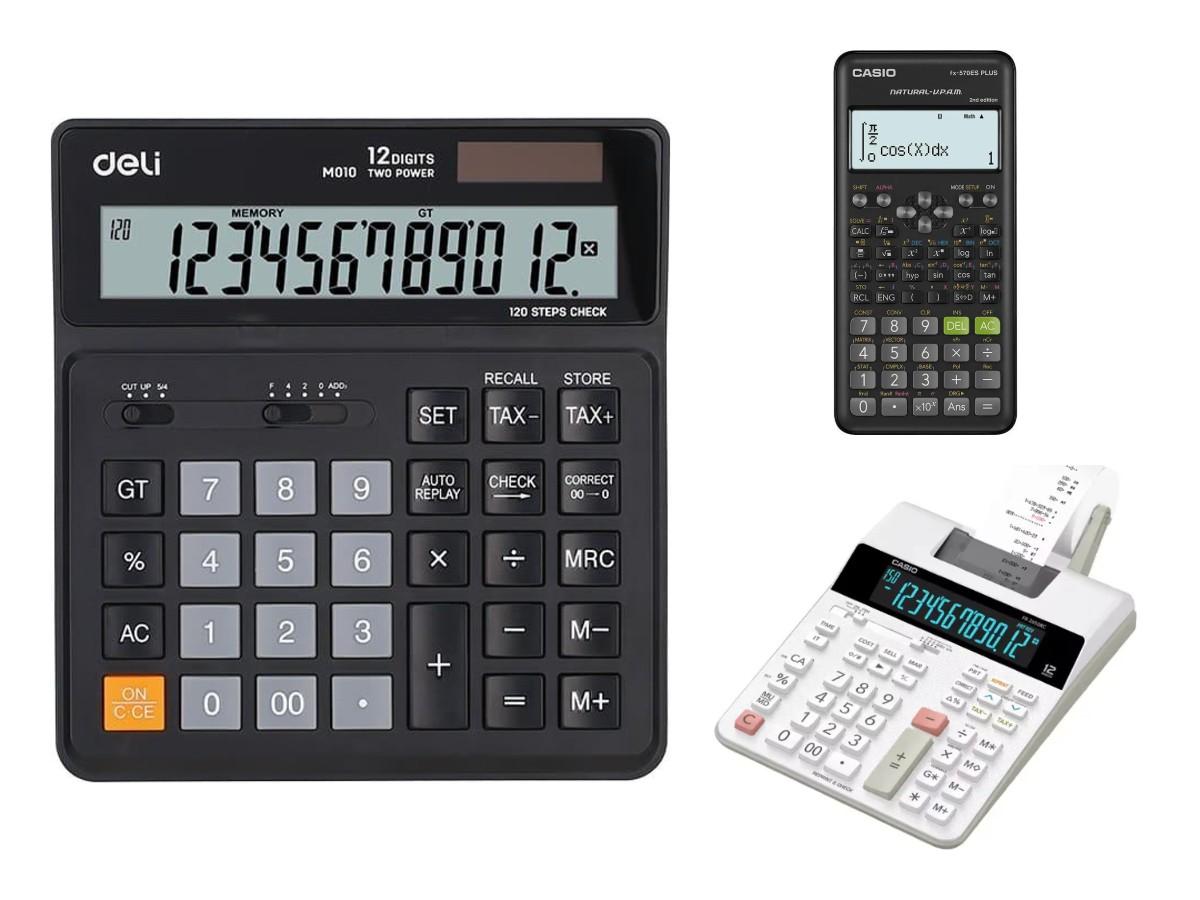




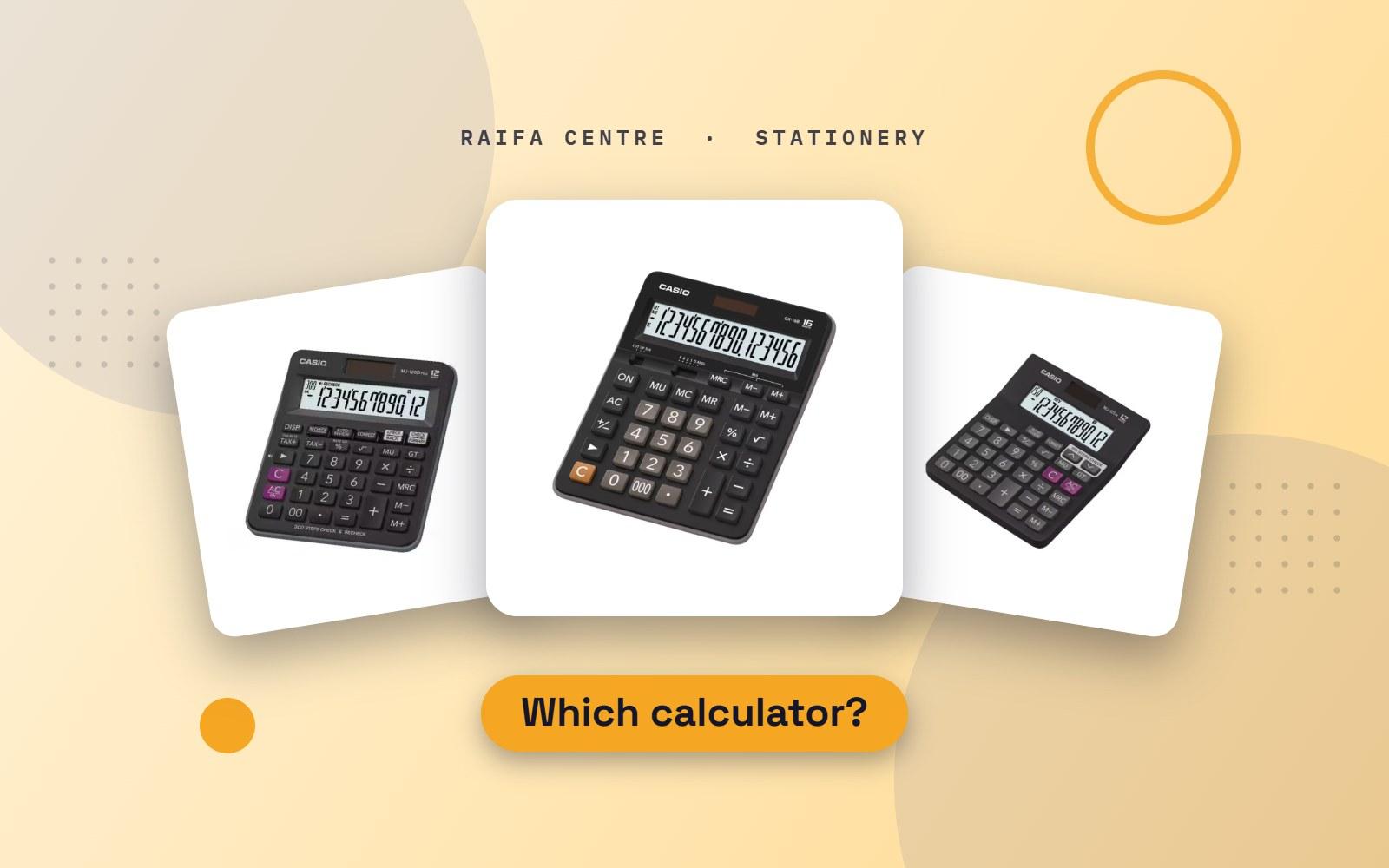
A calculator looks like a simple purchase until you are adding a long column of invoices and the display runs out of digits. The right model depends on who will use it and for what. Here is how to choose in two minutes.
For accounts and office desks
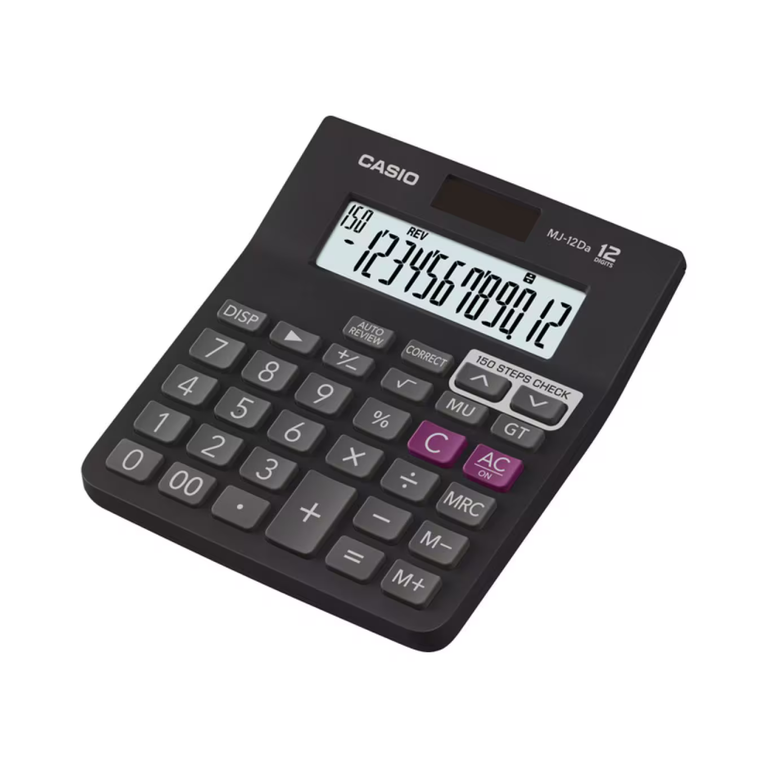
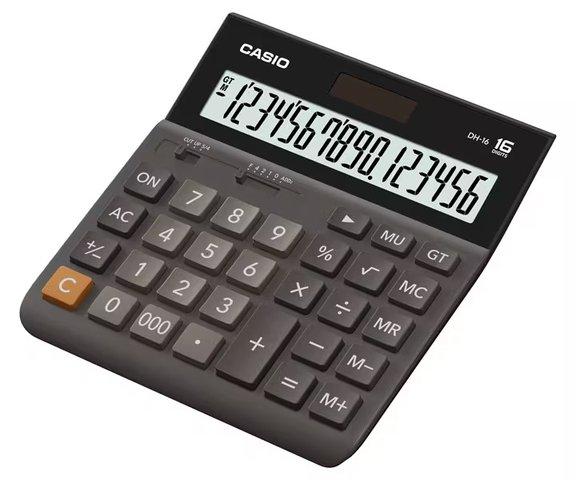
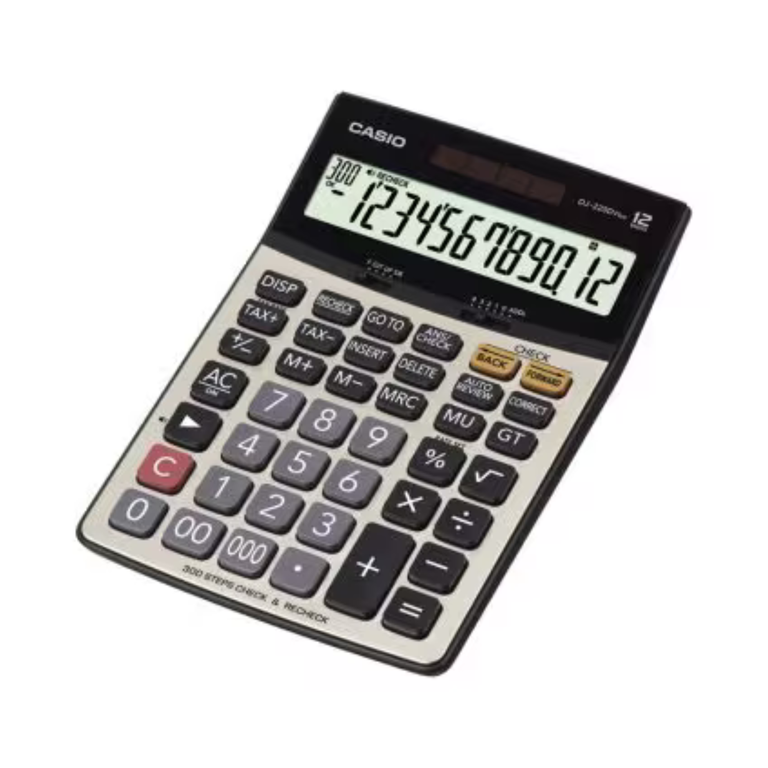
Accountants and cashiers need a desktop calculator: big keys, a tilted display and a body heavy enough to stay put while you type with one hand.
Look for these features:
- 12 digits or more. Twelve digits is enough for most business sums. Choose 14 or 16 digits if you work with large totals.
- Check and correct. You can step back through the numbers you entered and fix a mistake without starting again. For long lists this saves a lot of time.
- Grand total (GT). Adds the results of several calculations together.
- Cost, sell and margin keys. Enter any two and the calculator gives the third. Useful for pricing.
- Two-way power. Solar with a battery backup, so it works under any light.
If you need a paper record of every entry, for example when checking a long list against a statement, a printing calculator prints each number on a paper roll as you type.
We stock Casio desktop calculators in 12-digit and 16-digit models, which are the ones most offices in Qatar ask for by name.
For a shop counter
At a counter the calculator is used standing up, often to show a customer the price. Choose a model with a large, clear display and strong keys. A 12-digit desktop model is ideal. Avoid very small pocket calculators here; the keys are slow and easy to mis-press.
For school students
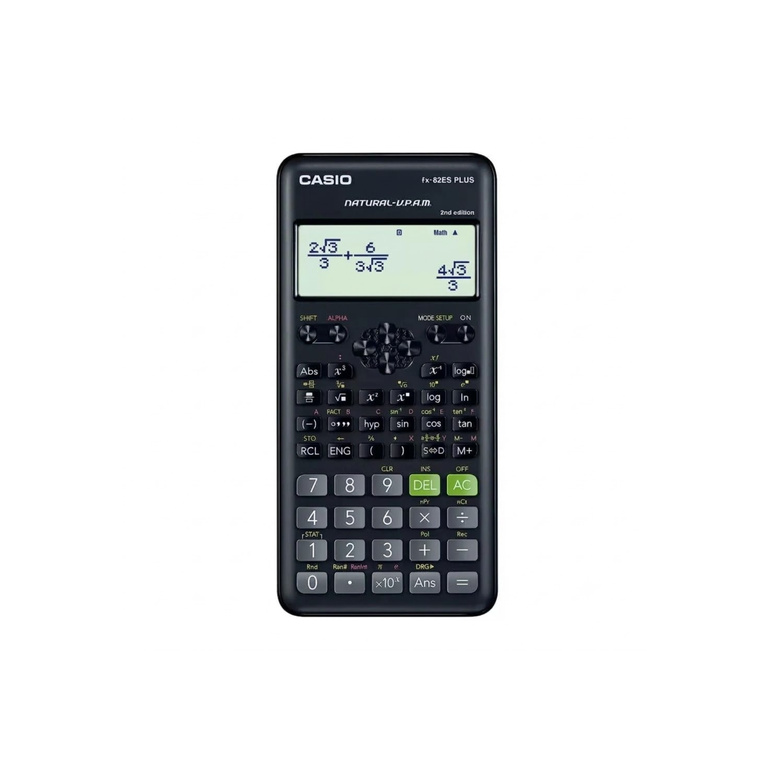
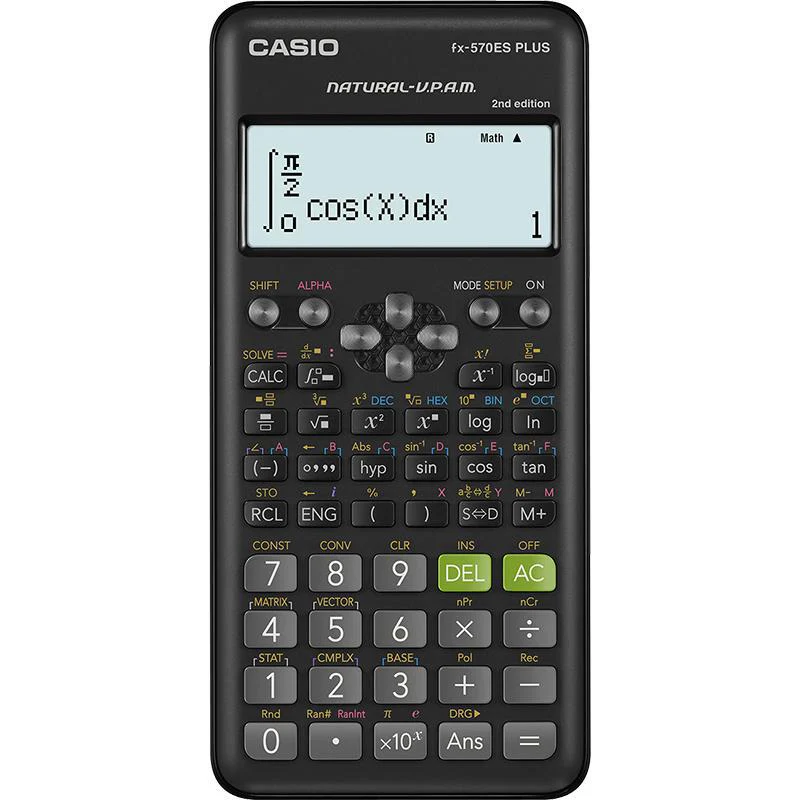
From around grade 7, students need a scientific calculator for fractions, powers, roots, trigonometry and statistics.
- The Casio fx-82ES Plus is the model most schools put on their list. It shows fractions and roots the way they are written in the textbook, which makes checking answers easier.
- The Casio fx-350ES is a similar non-programmable model.
- For higher grades and engineering students, the Casio fx-991ES Plus adds more functions, such as equations, matrices and vectors, and is still non-programmable.
- Graphing and programmable calculators are often not allowed in exams. Check with the maths teacher before buying anything more advanced.
Write the student's name on the calculator and its cover. Scientific calculators all look the same in a classroom.
For younger children
A basic 8-digit calculator with large keys is enough for primary school. Many teachers prefer children to learn mental arithmetic first, so buy one only if the school asks for it.
Quick guide
| User | Choose |
|---|---|
| Accountant | Desktop, 12 to 16 digits, check and correct |
| Shop or reception | Desktop, 12 digits, large display |
| Secondary student | Scientific, non-programmable |
| Engineer on site | Scientific, with a hard cover |
| Home | Basic desktop or pocket model |
Make it last
- Keep it out of direct sun and away from a hot car dashboard. Heat damages the display.
- If the display fades, the backup battery needs changing, even on a solar model.
- Wipe the keys with a dry cloth. Do not spray cleaner on it.
Order a calculator
See every model in Calculators in the shop. Buying for a whole class or office? Send us the quantity on WhatsApp for a price. For the rest of a student's list, read our school stationery list.
.avif)
.avif)

.avif)
.avif)