.jpg)

Labels look like a small thing until a shelf, a cable or a file has none. Then people open ten boxes to find one. There are three main kinds of label an office or shop uses, and each needs its own supplies.
1. Label maker tapes
Handheld and desktop label makers print on a tape cassette. The tape must match the brand of the machine and the width it accepts.
Brother P-touch: TZe tapes
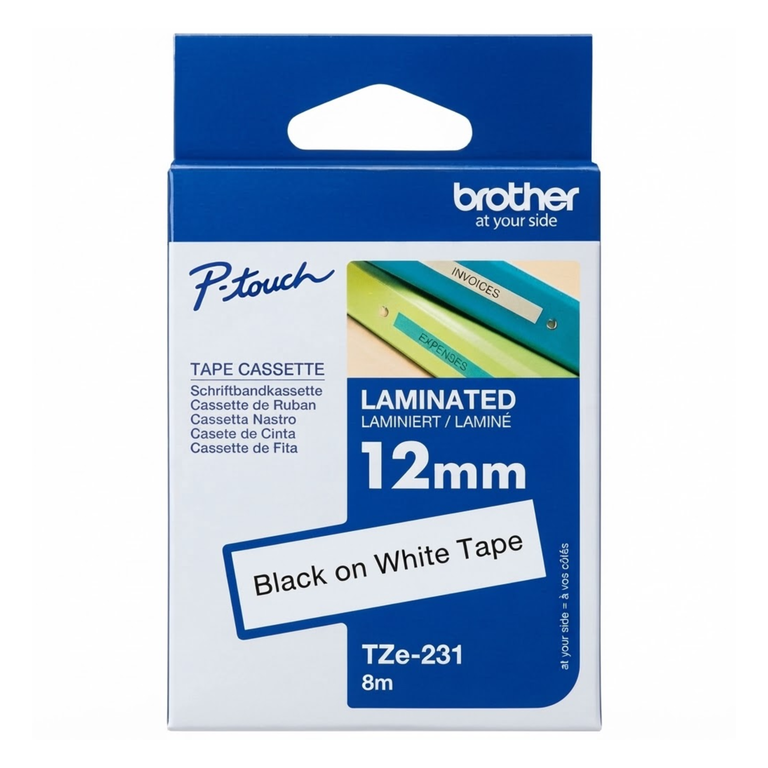
Brother machines use TZe tapes. They are laminated, so the print is protected against water, rubbing and sun. That makes them good for cables, shelves and anything that is handled a lot.
- TZe-231 is 12 mm wide, black on white. It is the everyday size for most P-touch machines.
- TZe-251 is 24 mm wide, black on white, for larger machines and bigger text.
Check the maximum tape width printed on your machine before you buy. See our Brother label tapes.
Dymo: D1 tapes and address labels
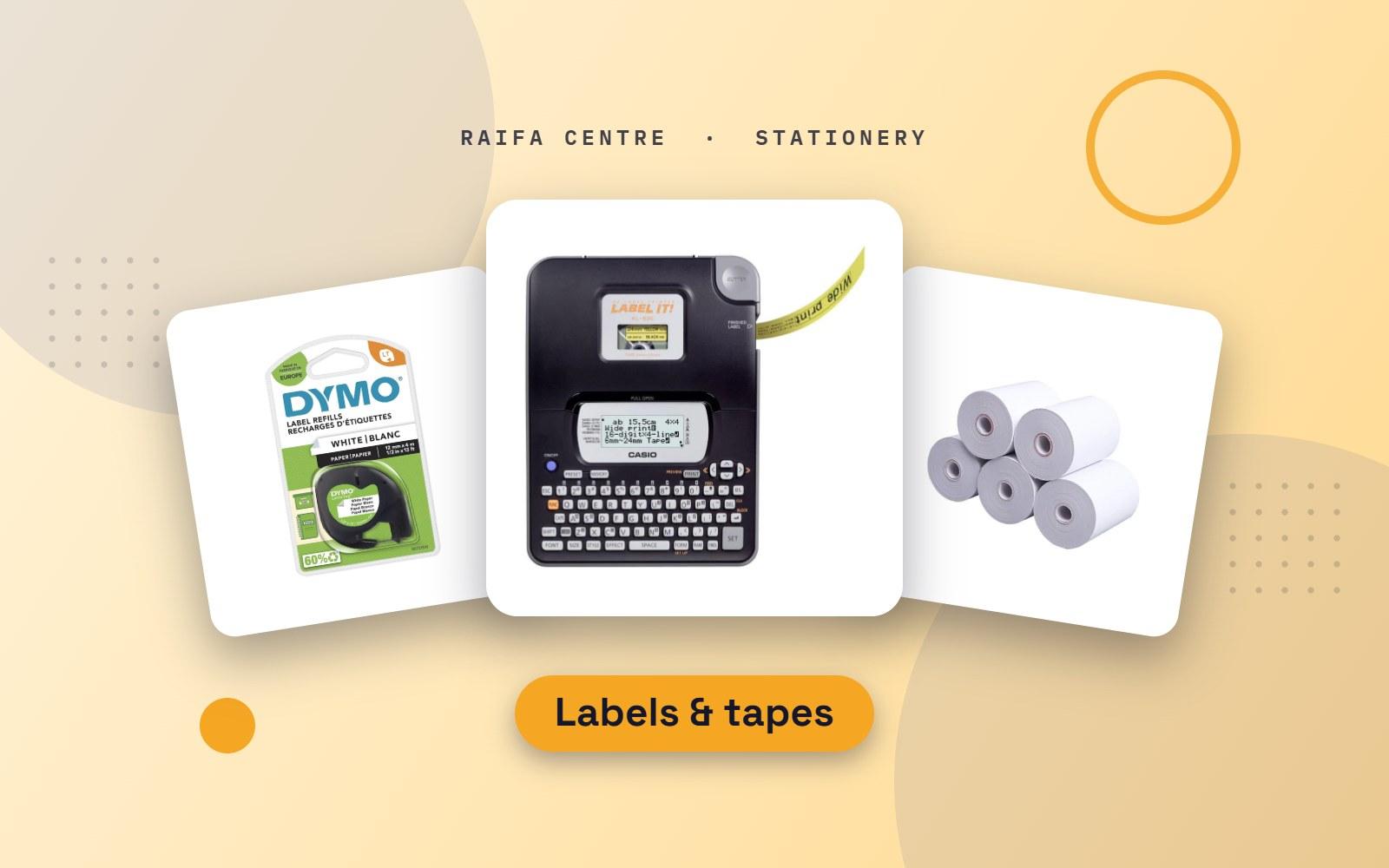
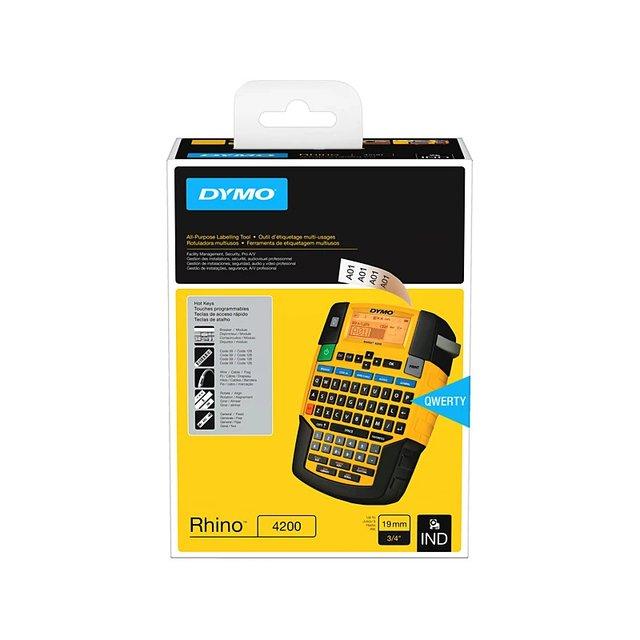
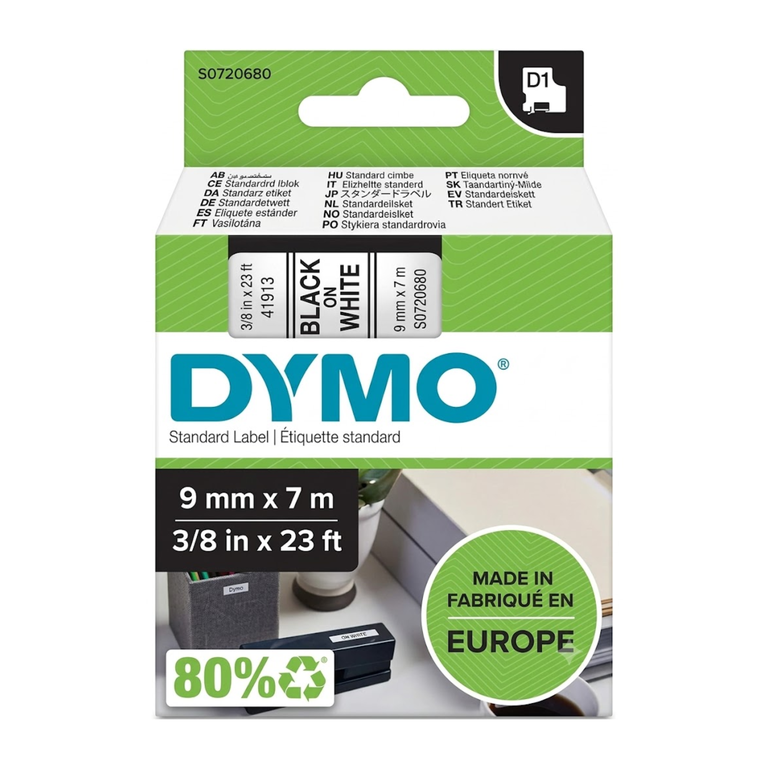
Dymo LabelManager machines use D1 tapes in widths such as 9 mm and 12 mm. Dymo LabelWriter printers are different: they use rolls of paper labels, such as 89 × 28 mm address labels. The two are not interchangeable. See Dymo tapes, labels and label makers.
Casio EZ-Label
Casio label printers use XR tapes, for example the 9 mm XR-9WE1 in black on white.
2. Thermal labels and receipt rolls
Barcode printers, weighing scales and receipt printers print with heat, with no ink or toner.
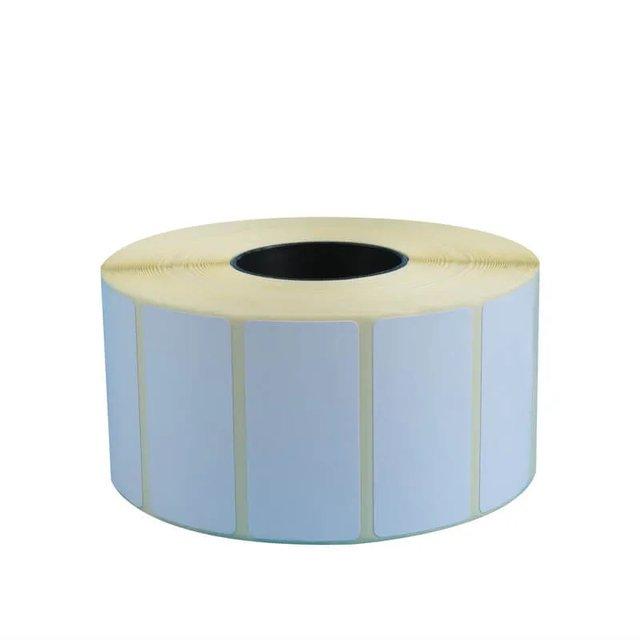
- Thermal label rolls come in sizes such as 50 × 25 mm for price and barcode labels and 100 × 50 mm for shipping and carton labels. Measure your current label, or check the printer, before ordering.
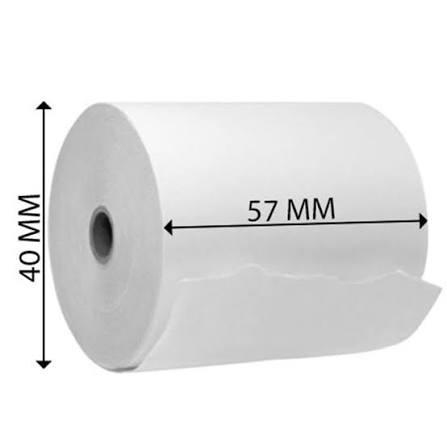
- Thermal receipt rolls are sold by width. 80 mm is the size most POS receipt printers use, and 57 mm fits card machines and small printers.
Thermal print fades with heat and sunlight. Do not leave thermal labels or receipts in a car or a shop window, and keep spare rolls in a cool place.
3. A4 label sheets
A4 label sheets go through a normal laser or inkjet printer. They are the cheapest way to print many address labels, file labels or product stickers at once.
- Choose the layout by labels per sheet. More labels per sheet means smaller labels.
- Print a test on plain paper first and hold it against the label sheet to check the alignment.
- Feed label sheets one at a time from the manual tray if your printer has one, and never feed a sheet that has labels missing. Loose backing can stick inside the printer.
Which label for which job
| Job | Use |
|---|---|
| Cables, shelves, equipment | Laminated label maker tape |
| Prices and barcodes | Thermal label roll |
| Parcels and cartons | 100 × 50 mm thermal label or A4 sheet |
| Envelopes in bulk | A4 label sheets |
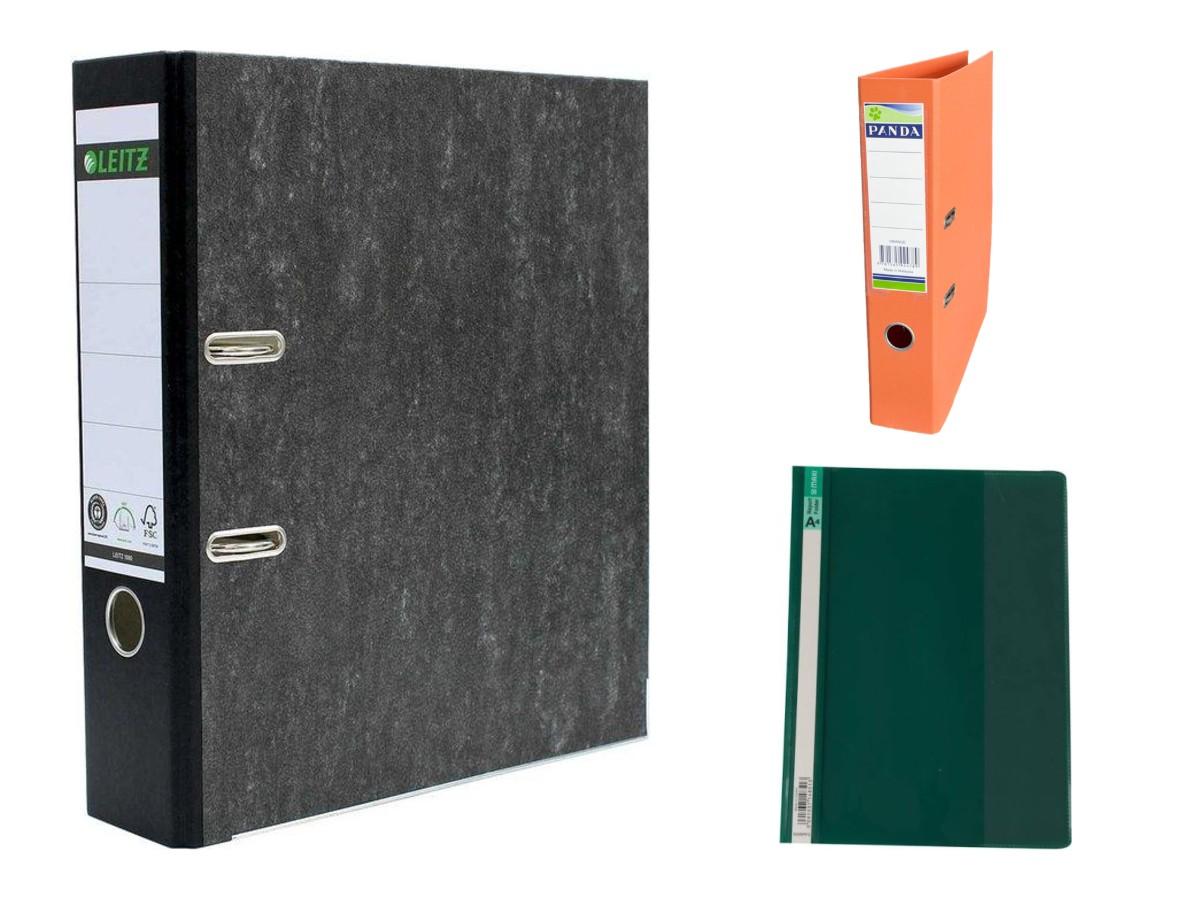
| File spines | A4 label sheets or wide tape |
Tips for labels that last
- Clean and dry the surface first. Dust is the reason most labels fall off.
- For anything outdoors or near heat, use laminated tape, not paper.
- Use black on white for the best contrast, and capital letters for short labels.
- Label both ends of every cable.
Order labels
Search for your tape number in the shop, or send us a photo of your old cassette or roll on WhatsApp and we will match it. For organising the files themselves, read box file, ring binder or suspension file.
.jpg)
.jpg)